
Videohog
Faster video downloads. Start watching straight away.
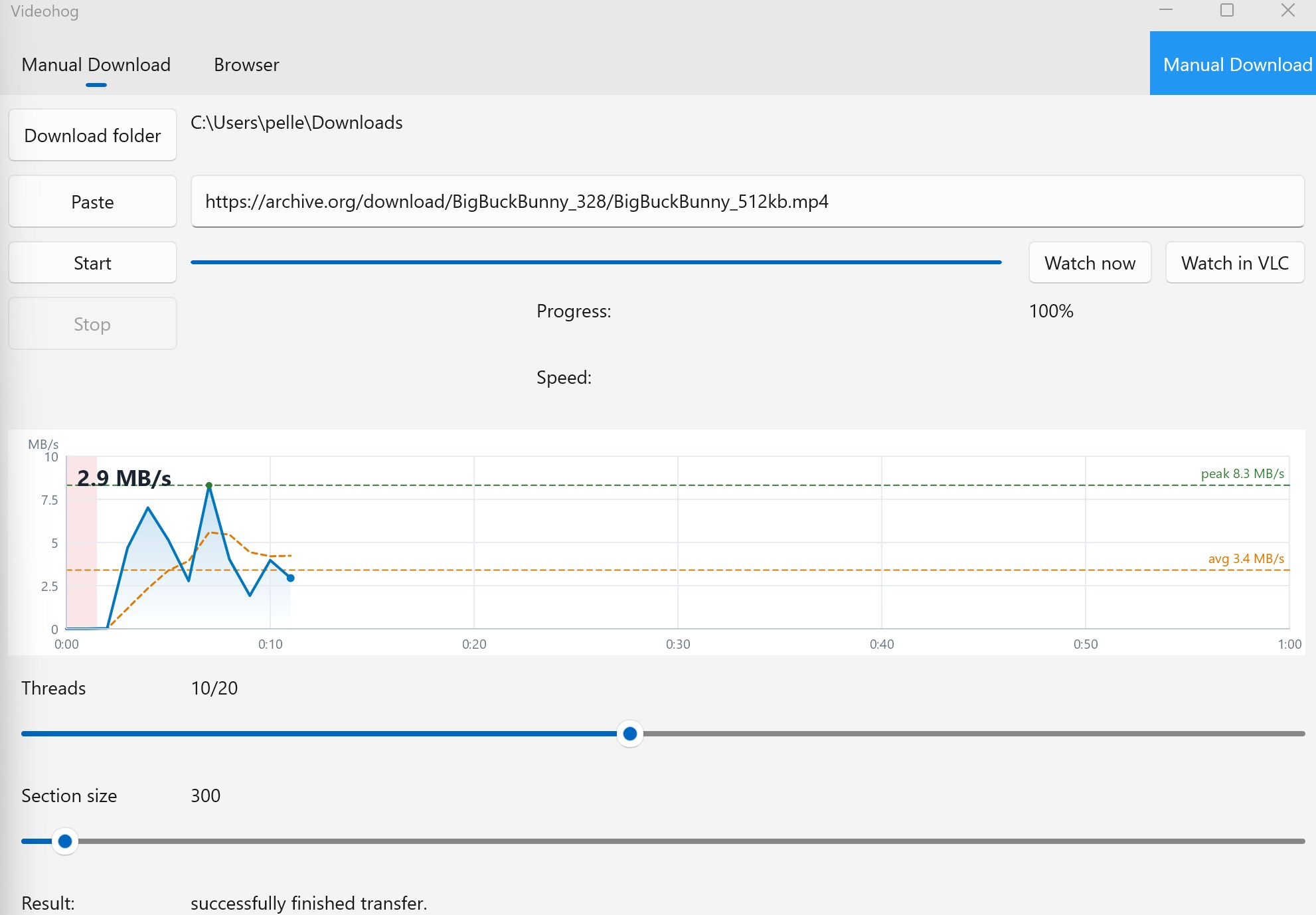
Videohog downloads a video over several connections at once. You can open it in a player such as VLC while the rest of the file is still coming down.

Free to download: Videohog Lite on the Mac, Videohog on Windows. Free transfers drop to 3 connections after the first minute; a one-time speed upgrade, bought inside the app, keeps more connections open for the whole transfer.
What it does
- Downloads each video over several connections at once, which can make large downloads faster.
- Opens supported videos, such as MP4, in a player such as VLC before the download finishes.
- Lets you choose how many connections to use and how large each section is.
- On Windows, it also has its own player, a browser tab that finds the videos on a page, a live speed graph, and resumes partial downloads.